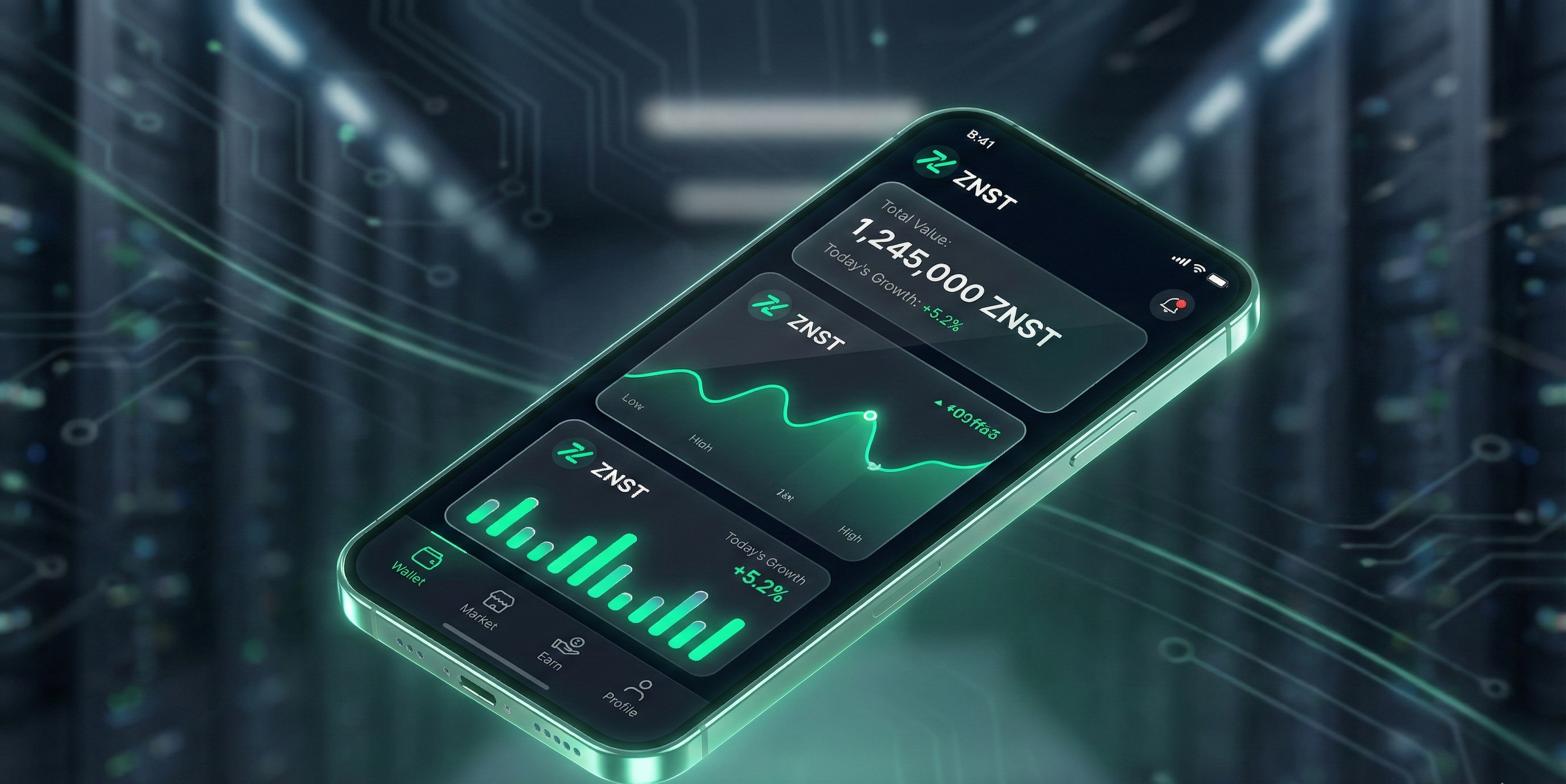
The boundary between a website and a mobile application has officially dissolved. For years, users had to choose between the accessibility of the web and the performance of a native app installed from an App Store. With the launch of the ZNST Progressive Web App (PWA), we are bringing the best of both worlds to the crypto ecosystem.
For tech enthusiasts and crypto traders, the ZNST PWA offers a "Native" experience—smooth animations, offline capabilities, and instant loading—without the friction of app store downloads or updates. Here is why this technology is the future of decentralized finance (DeFi).
What is a PWA (Progressive Web App)?
A Progressive Web App is a web application that uses modern web capabilities to deliver an app-like experience to users. By utilizing Service Workers and a Web App Manifest, the ZNST PWA runs directly in your browser but behaves exactly like a native iOS or Android app.
This isn't just a "mobile-friendly site." It is a sophisticated software architecture that allows:
- Background Syncing: Your portfolio updates even when the app isn't active.
- Offline Functionality: Access your transaction history and charts even with spotty internet connectivity.
- Zero Installation Friction: No App Store. No Google Play. Just one click to install.
Why ZNST Chose PWA for the "Native" Feel
In the world of cryptocurrency, censorship resistance and speed are paramount. Traditional App Stores can be restrictive, delaying critical updates or banning crypto apps entirely. By adopting a PWA strategy, ZNST ensures:
1. Unstoppable Availability
The ZNST app lives on the decentralized web. As long as you have a browser, you have access. No third-party gatekeeper can de-platform your access to your assets.
2. The "App-Shell" Model
We utilize an "App-Shell" architecture. When you load ZNST, the core interface (the dark, sleek UI and navigation) loads instantly from your local cache. Only the dynamic data (the live Zinc price and your balance) needs to be fetched. This results in blazing fast load times that feel instant, just like a native app.
3. Immersive Full-Screen Experience
Once added to your home screen, the ZNST PWA removes the browser address bar. You get a full-screen, immersive interface with buttery-smooth 60fps transitions, optimized specifically for high-refresh-rate mobile displays.
How to Install the ZNST PWA
Getting the full native experience is simple and takes less than 10 seconds:
- On iOS (Safari): Tap the "Share" button and select "Add to Home Screen."
- On Android (Chrome): Tap the menu (three dots) and select "Install App" or "Add to Home Screen."
Conclusion: The Future is Web-Native
The ZNST app proves that you don't need a heavy 200MB download to get a premium trading experience. By leveraging PWA technology, we prioritize performance, security, and user freedom. Install the web app today and experience the seamless interface designed for the modern investor.